
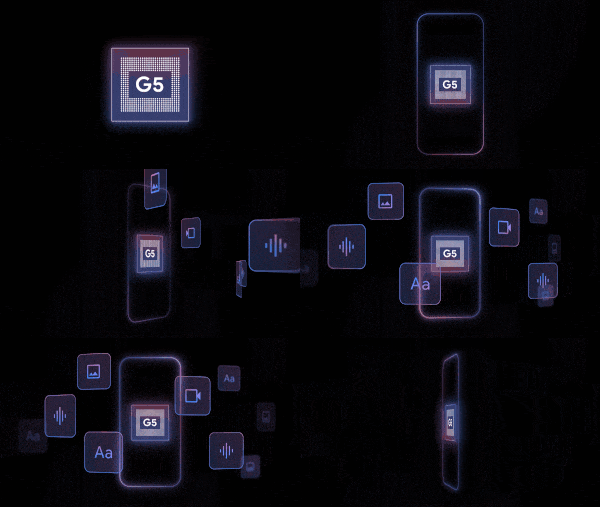
Google Tensor is a custom-designed System-on-Chip (SoC) made for running AI models on Google Pixel phones. Tensor is optimized for computational efficiency and minimal energy consumption. It uses a dedicated ML inference accelerator called TPU (Tensor Processing Unit), which is accessible through Google Tensor SDK.
Sign up for access to Google Tensor SDK Beta
Google Tensor SDK is a software development kit created to optimize on-device machine learning for Google Pixel phones by utilizing the custom Tensor System-on-Chip (SoC) and its dedicated TPU inference accelerator. This SDK provides a comprehensive suite of tools that help developers access curated open-source models in Model Garden. This kit also enables the compilation of models into TPU-compatible formats.
Key features
- Direct access to dedicated TPU hardware for efficient ML inference on Pixel devices.
- Curated open-source models optimized for the SDK in Model Garden.
Set up the development environment
Following are the required hardware and software specifications, and the prerequisites for utilizing the Google Tensor SDK:
Hardware
- A local development workstation utilizing a Linux-based operating system
with an x86_64 architecture.
- Tip: To ascertain your workstation's architecture, you can use the
uname -mcommand or a similar diagnostic tool.
- Tip: To ascertain your workstation's architecture, you can use the
- A minimum of 16 GB RAM is required.
The specific RAM capacity needed for SDK usage is dependent on your model's input size. For more substantial input data, a minimum of 64 GB RAM is recommended.
Software
- Operating System: Ubuntu 22.04 LTS
- Build System: Bazel 7.4.1
- Android SDK: API Level 34 (Android 14)
- Android NDK: Support for API Level 28 (Android 9 Pie)
(Optional) Python 3.11.0
Android Debug Bridge (adb)
Prerequisites
(Optional) A Google Cloud Project (GCP) that has been granted access to remote Pixel devices by the Tensor SDK team. For guidance on Google Cloud project creation, consult Creating and managing projects.
(Optional) A downloaded copy of
efficientnet_b0.tflite
Supported SoCs
Google Tensor SDK supports the following SoCs:
- Google Tensor G5 (Tensor_G5)
Next steps
Follow conversion and deployment steps in NPU acceleration with LiteRT, choosing Google Tensor as applicable.
For language models, see Execute LLMs on NPU using LiteRT-LM.